
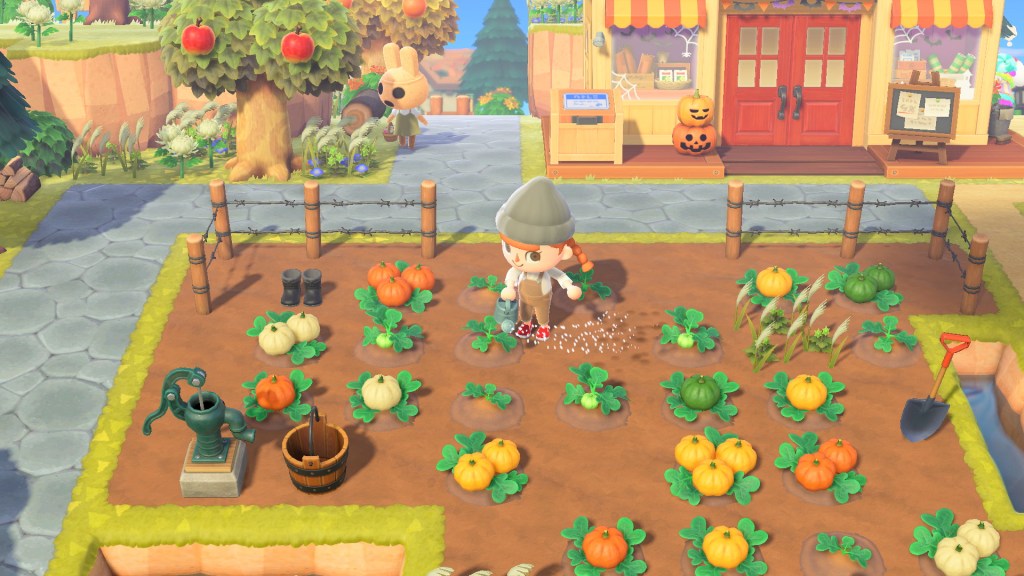
Animal Crossing: New Horizons
About the Project
Studying the gameplay and understanding the player journey and attempting to recreate game UI design while implementing different possible UI solutions based on observations made during gameplay.
My Roles & Responsibilities
UX/UI Designer
Length of the Project
7 weeks
Challenges
- Successfully recreate Animal Crossing: New Horizons UI design elements
- Understand the Player Journey
- Successfully utilize Player Profiles to design wireframes that can properly communicate game funtions to players
Work Process
- About the Project
- My Roles & Responsibilities
- Length of the Project
- Challenges
- Work Process
- Player Profile
- Player Journey
- Paper Prototype & Flow Chart
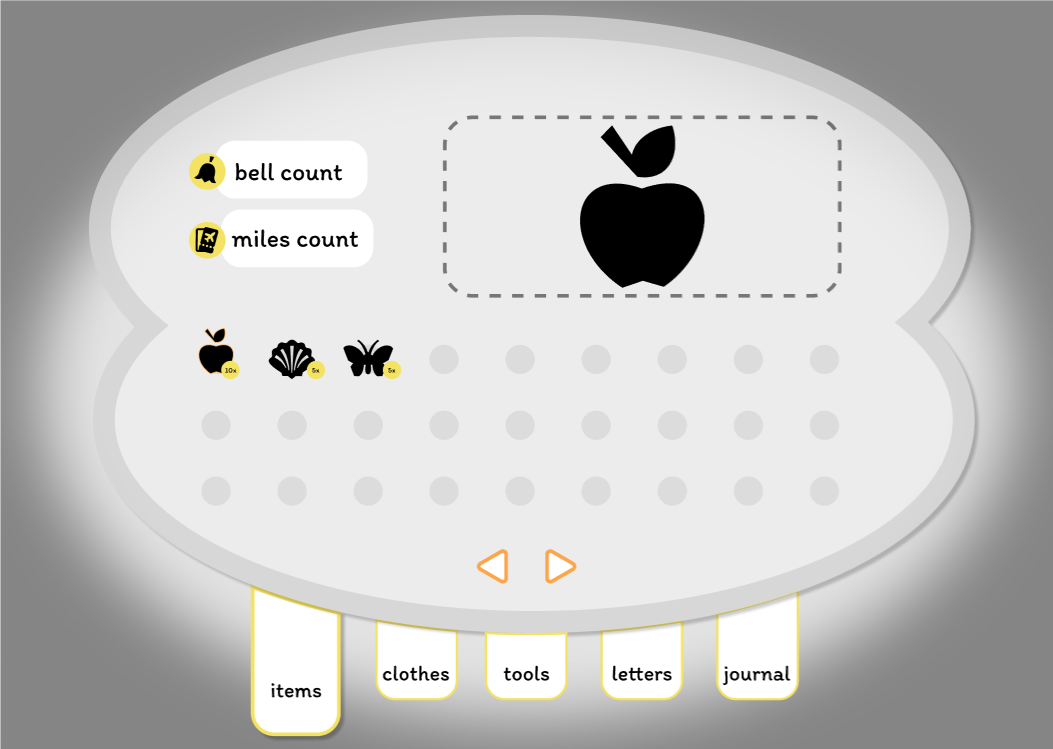
- Wireframe and Iterations
- UI Moodboard/References
- UI Style Guide & Mockups
- Color Blindness Simulation
- Outcome/Results
Player Profile
Player 1
| Name: | Arturo |
| Age: | 68 |
| Lifestyle: | Retired, only plays Sudoku |
| Hobby: | |
| Platforms: | PC |
| Time: | A couple hours weekly |
| Location: | Home |
| Wifi: | Good |
| Distractions: | Phone calls, errands |
| Motivation: | Mind challenging puzzles, doable within a certain time frame (no longer than 20 minutes) |
| Constraints: | Time constraints, gaming is not a top priority |
Player 2
| Name: | Alyssa |
| Age: | 28 |
| Lifestyle: | Graduate Student, plays games very infrequently, mostly during social gatherings |
| Hobby: | Baking |
| Platforms: | Console |
| Time: | 2-3 hours monthly |
| Location: | Home or a friend’s house |
| Wifi: | Good |
| Distractions: | Taking care of dogs |
| Motivation: | New and exciting games, games with shorter commitments |
| Constraints: | Remembering to do something more important and time sensitive |
Player 3
| Name: | Kayley |
| Age: | 26 |
| Lifestyle: | Teacher, used to play Overwatch competetively |
| Hobby: | Artist, gamer |
| Platforms: | PC |
| Time: | About 30 hours a week |
| Location: | Home |
| Wifi: | Not reliable without ethernet cable |
| Distractions: | Dogs, family matters, work chores |
| Motivation: | Character design, interesting story, looks for well known studios, large audience |
| Constraints: | If game objective/goal takes too long, will stop early to prevent stopping during the objective/goal |
Player Journey
Paper Prototype & Flow Chart
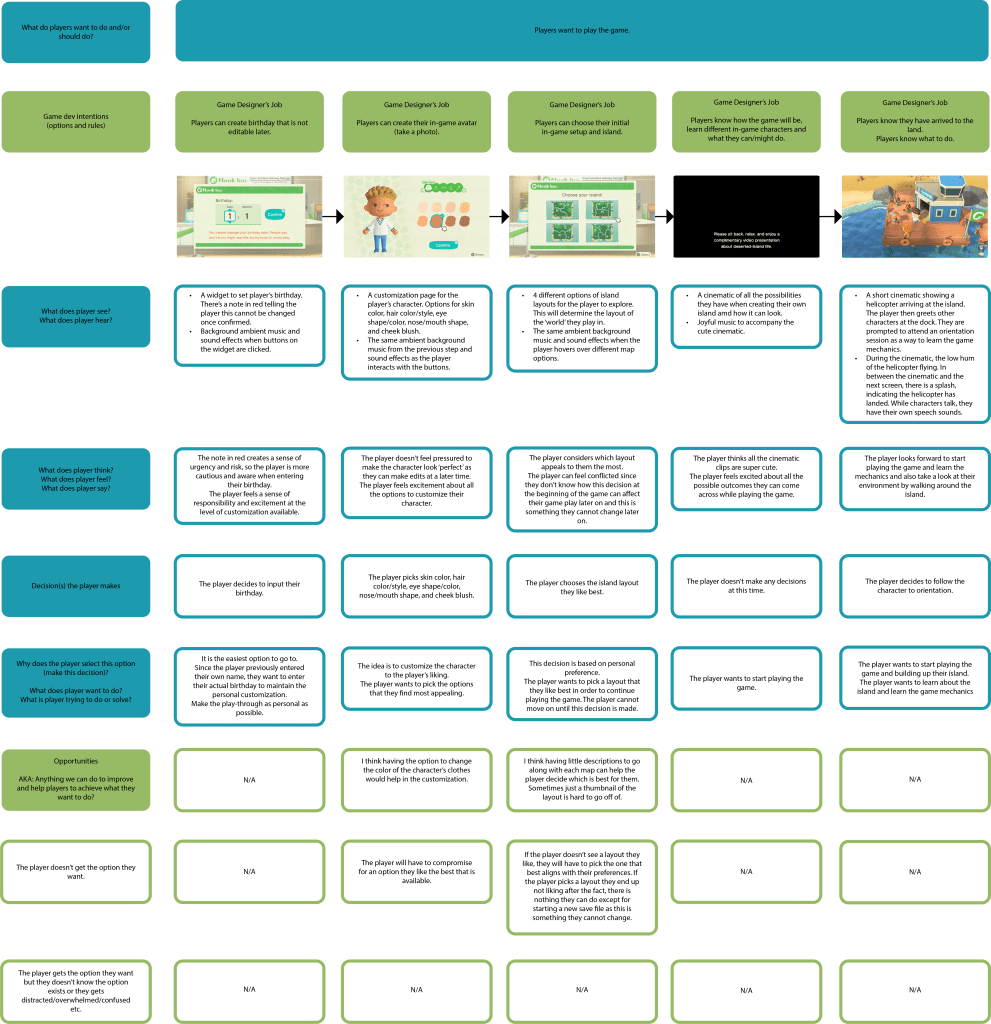
| [Introduction Screen] Players are at a check-in counter at an airport when Timmy and Tommy greet them. |
| [Gameplay] Left joystick to move X for inventory A to select and interact Y to pick up items |
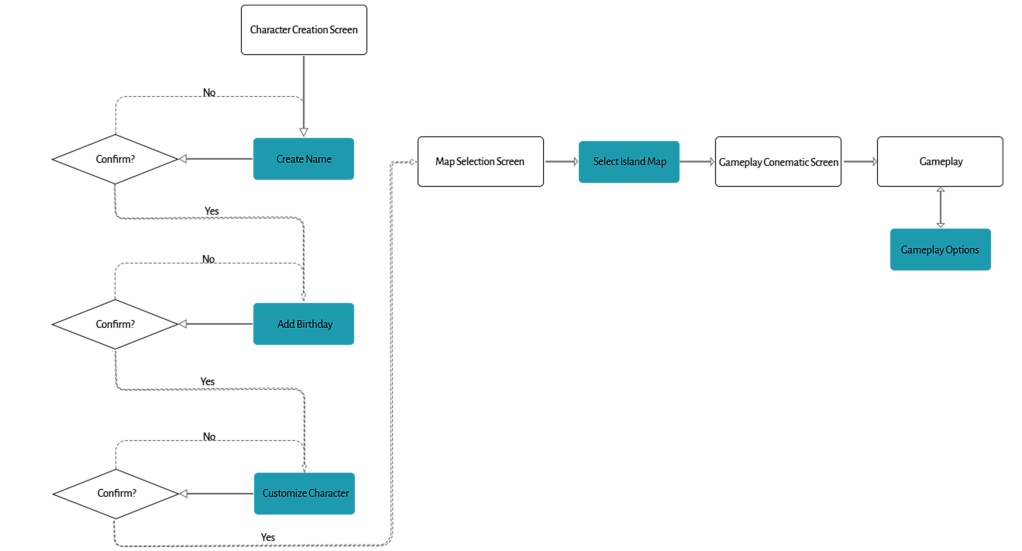
| [Character Creation Screen] Players can enter a name (that can be their own or different from their own) that cannot be changed. They are informed that other players can see their name, so it is important to keep it appropriate. Players can enter a birthday that cannot be changed. They are informed that other players can can see the birthday they provide. Players can customize their own character starting with either a male or female base. |
| [Map Selection Screen] Players can select what region they live in so their gameplay parallels the seasons in real life. Players can select which island layout is most appealing to them. |
| [Island Outcomes Cinematic] Lots of gameplay clips are shown so the player understands how different the island can look depending on the aesthetic choices they make. |
| [Island Screen] Player is welcomed to their island. They also learn the game mechanics to play. |
Wireframe and Iterations
1st Iteration
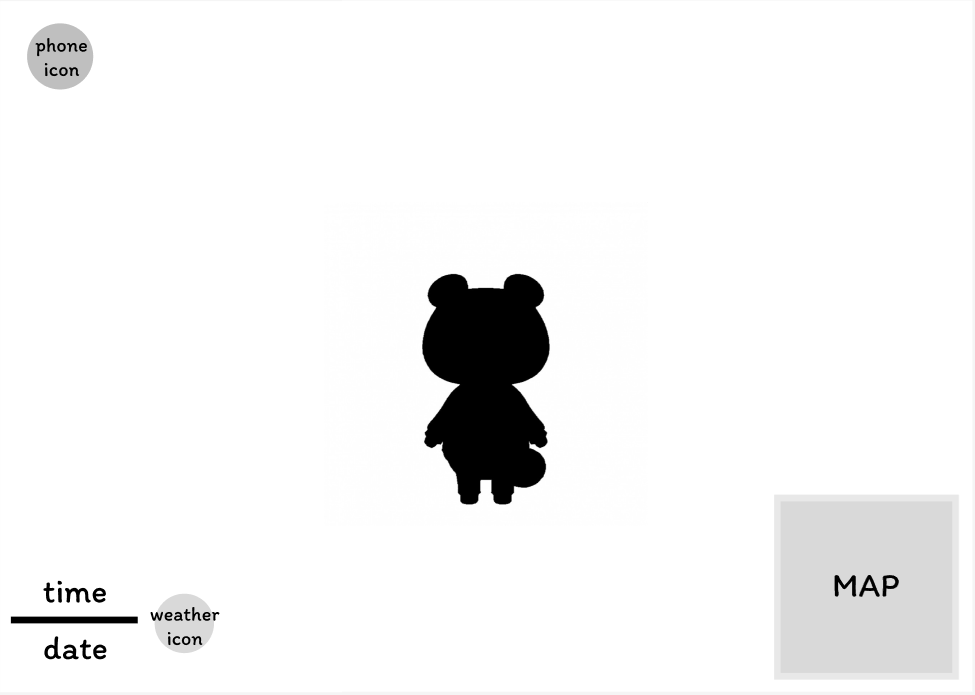
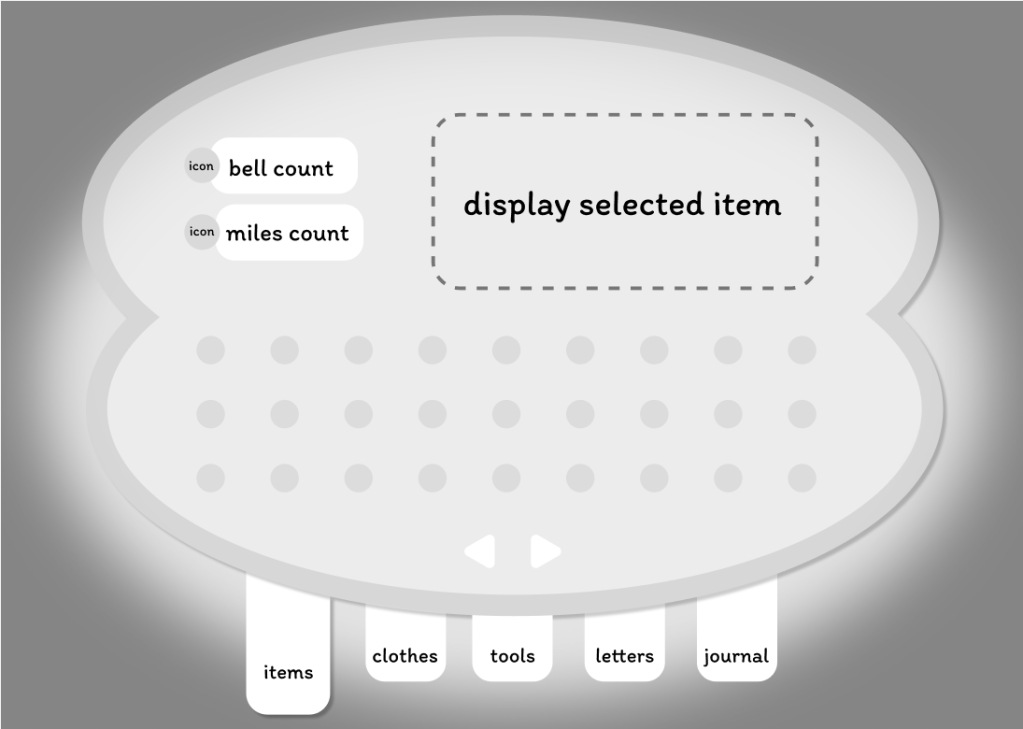
2nd Iteration
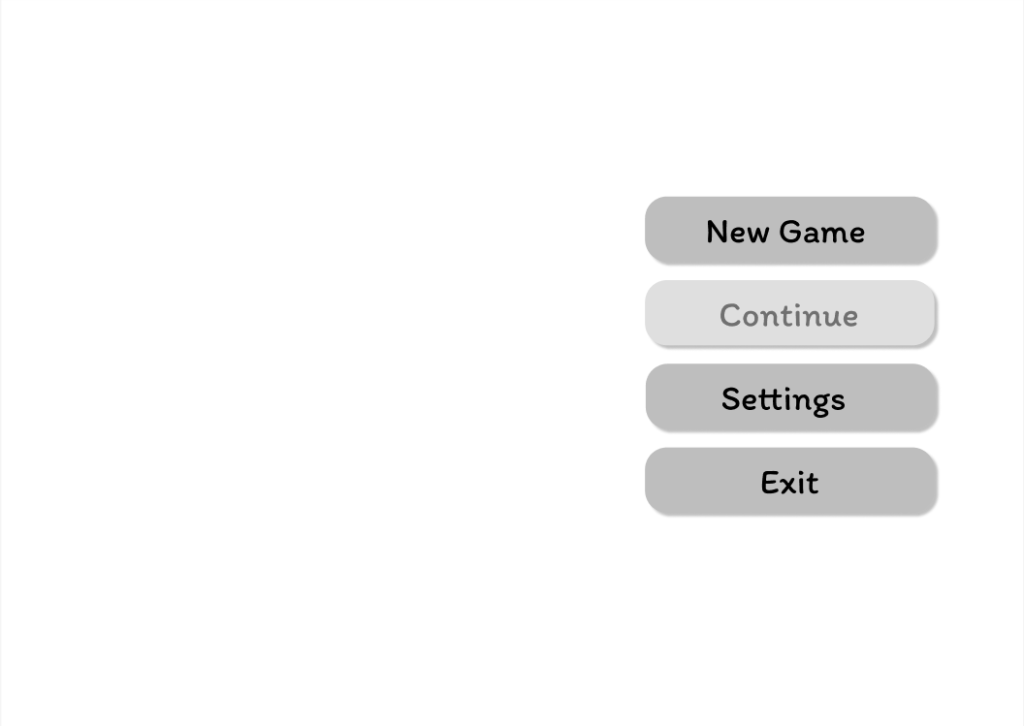
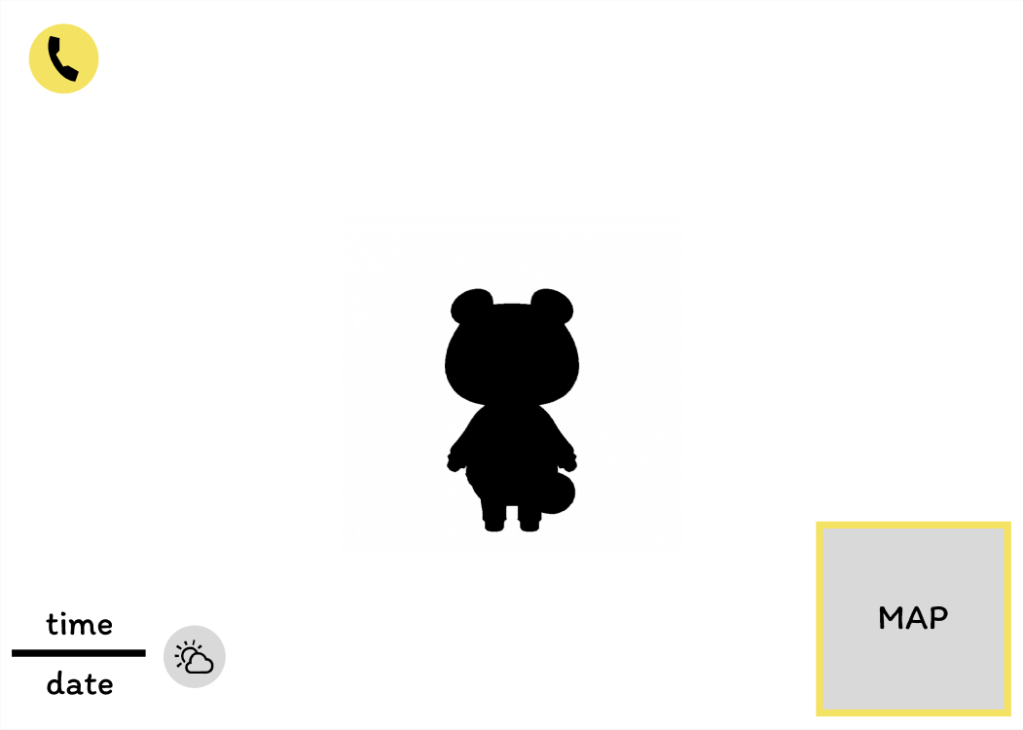
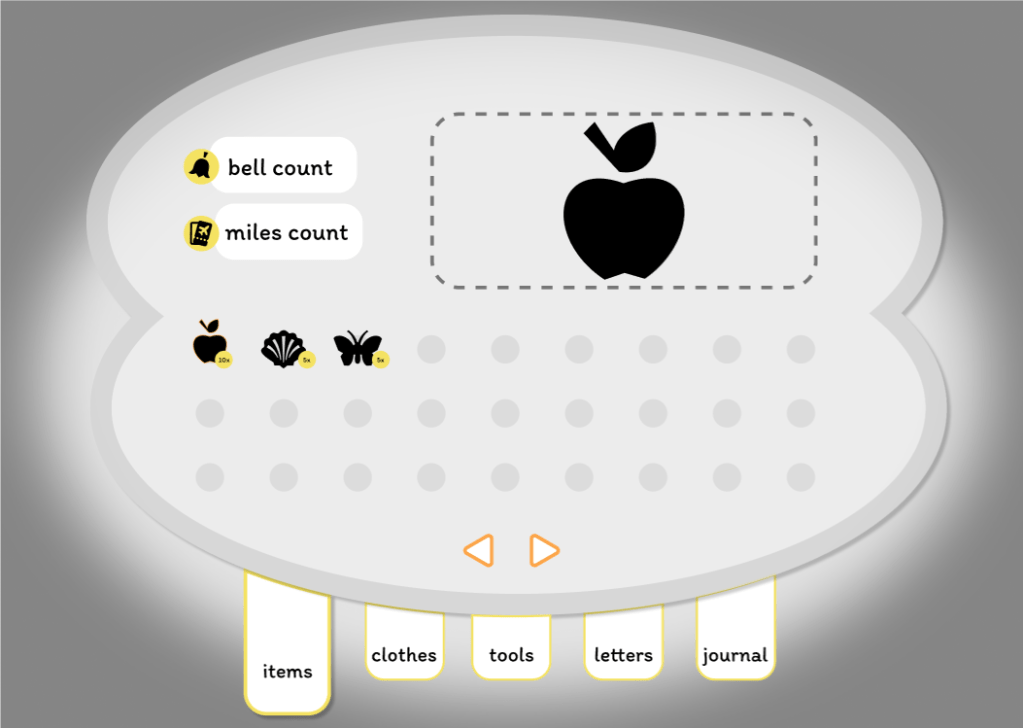
UI Moodboard/References
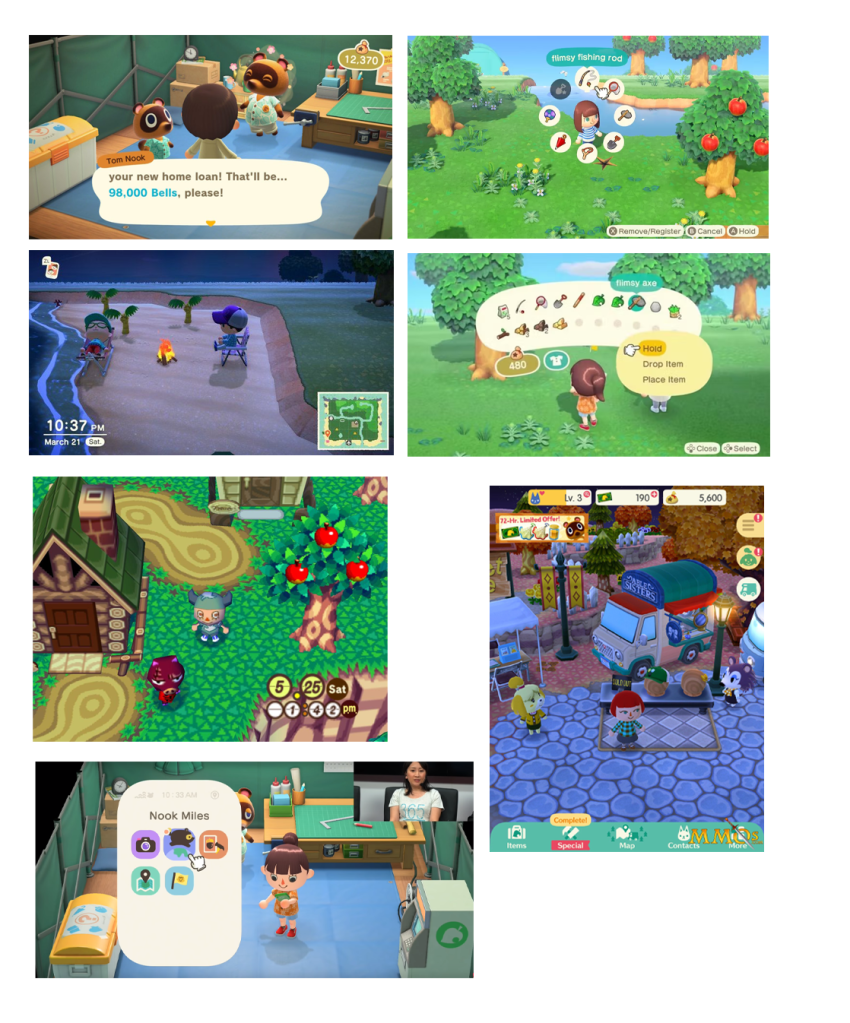
UI Style Guide & Mockups
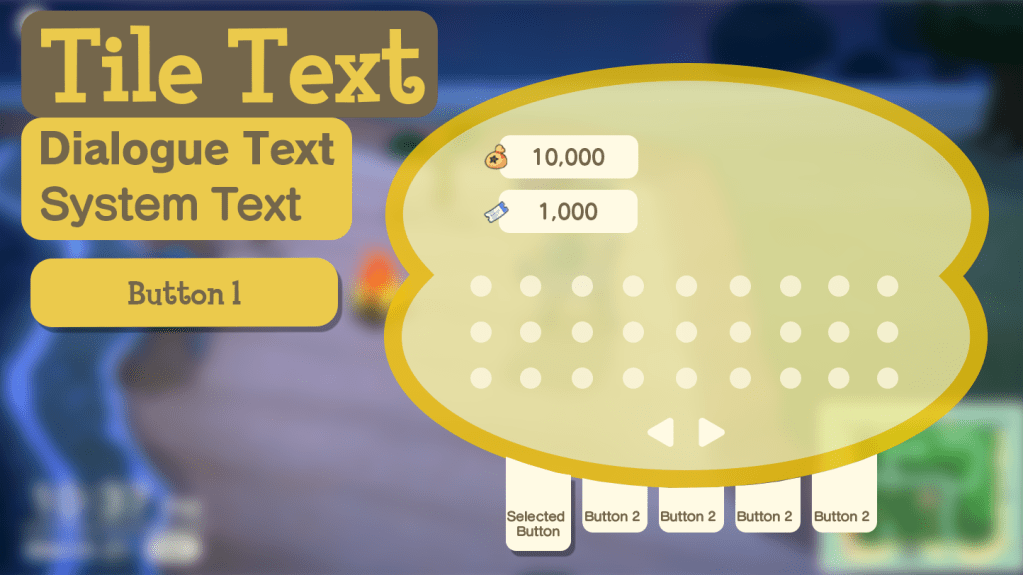
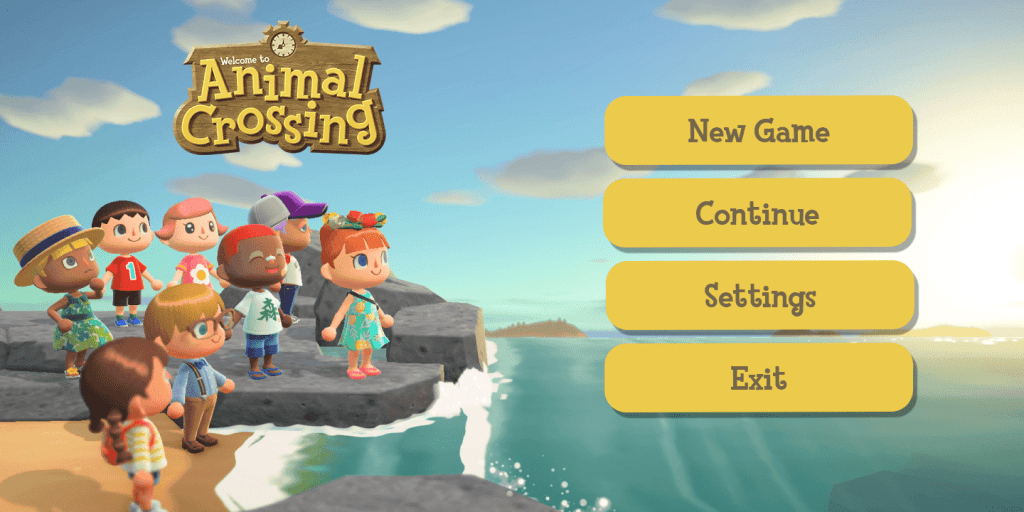
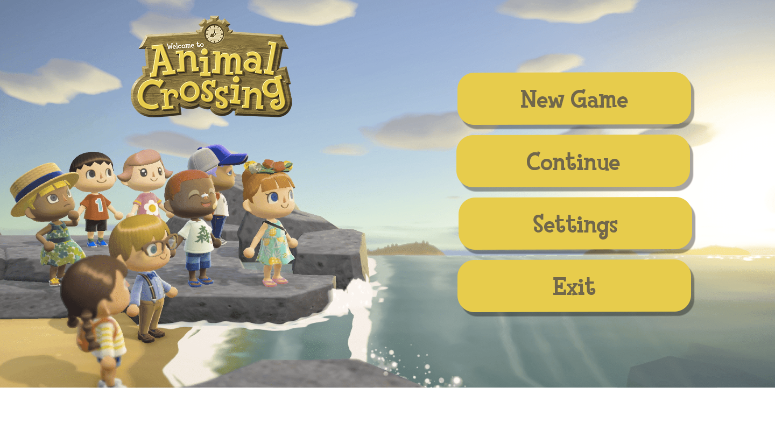
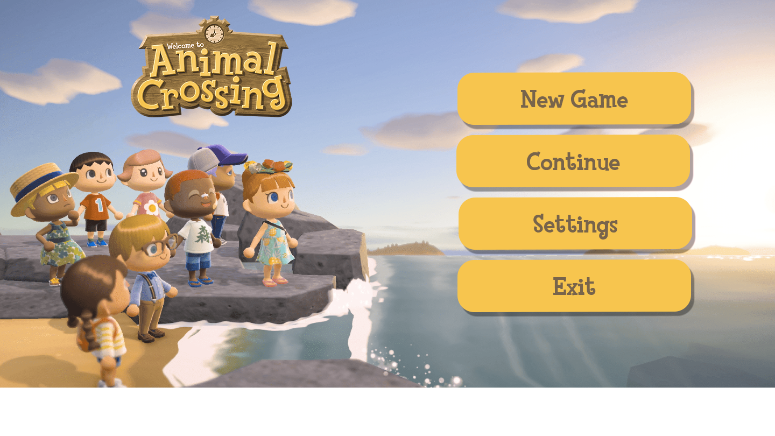
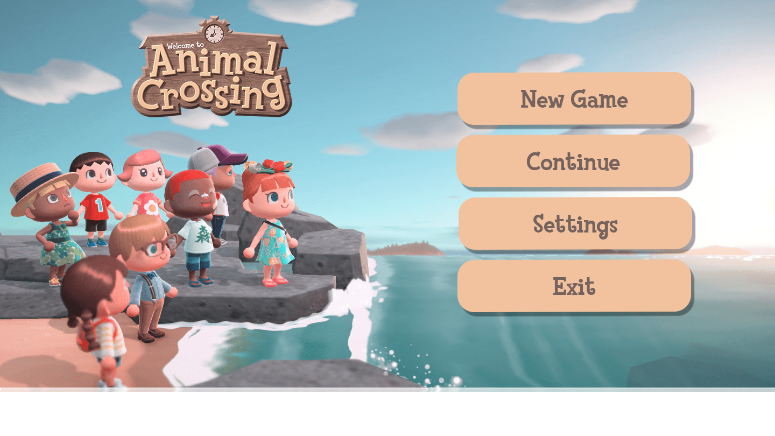
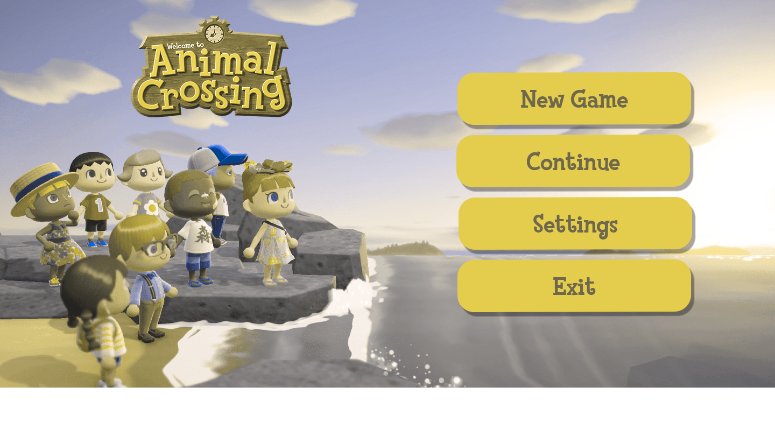
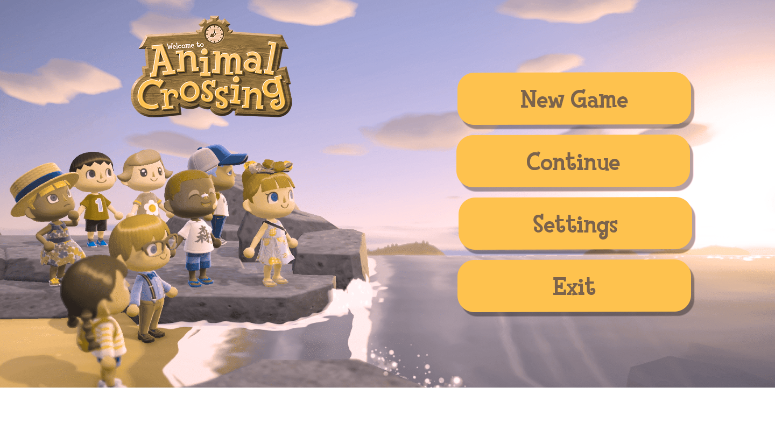
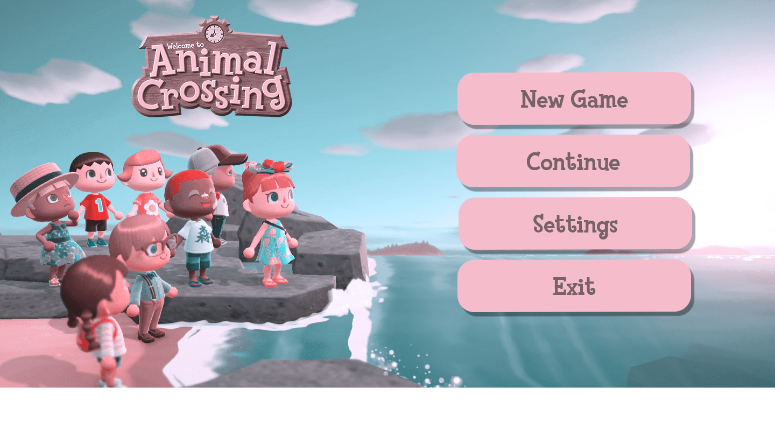
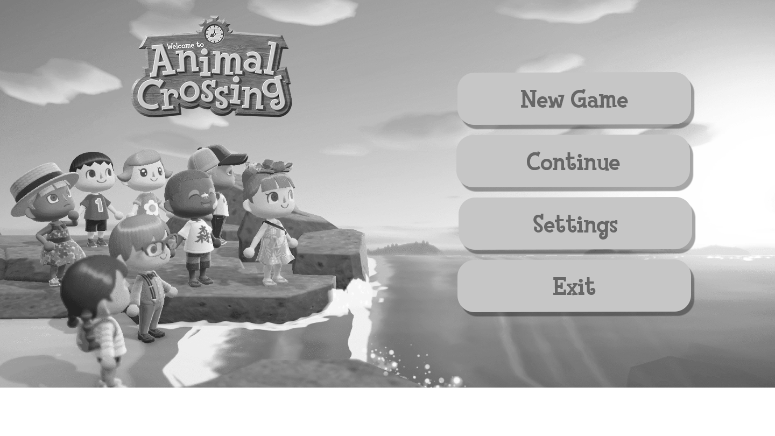
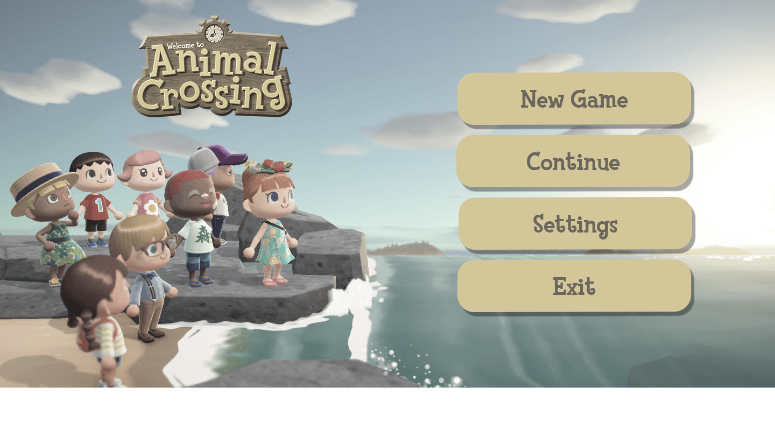
Color Blindness Simulation
Outcome/Results
- Learning about the Player Journey gave me more perspective on the decisions players make while playing video games. Even the smallest decision can impact what screens the player sees next.
- Figma was a software I had a very base level understanding of and didn’t have a good experience with in the past. After these 7 weeks, I have a much more positive outlook on Figma and have a much better understanding of the software.
- Conducting Usability Tests gave me insight on the importance of language. In the pursuit of presenting nuetral questions to each user, I indirectly used very confusing and unclear language. I now know for the future that simpler terms is always better.
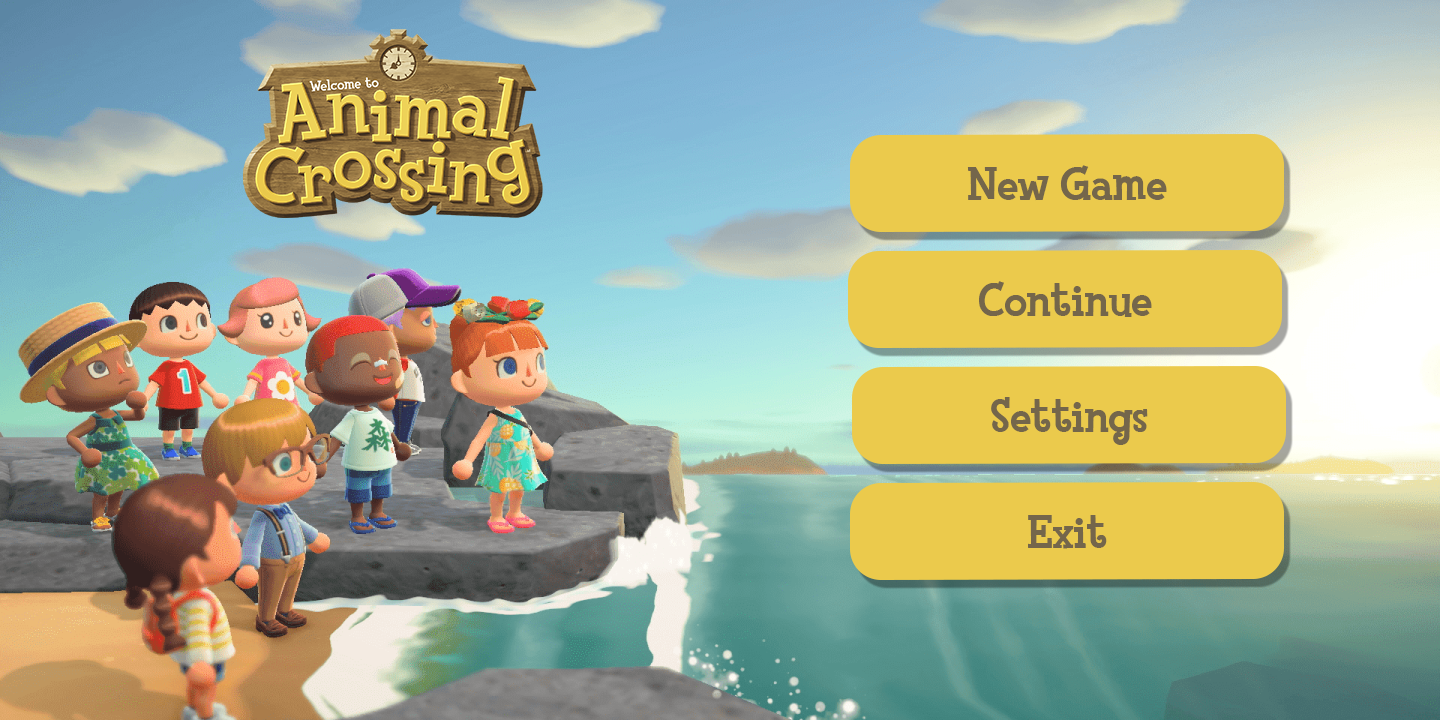
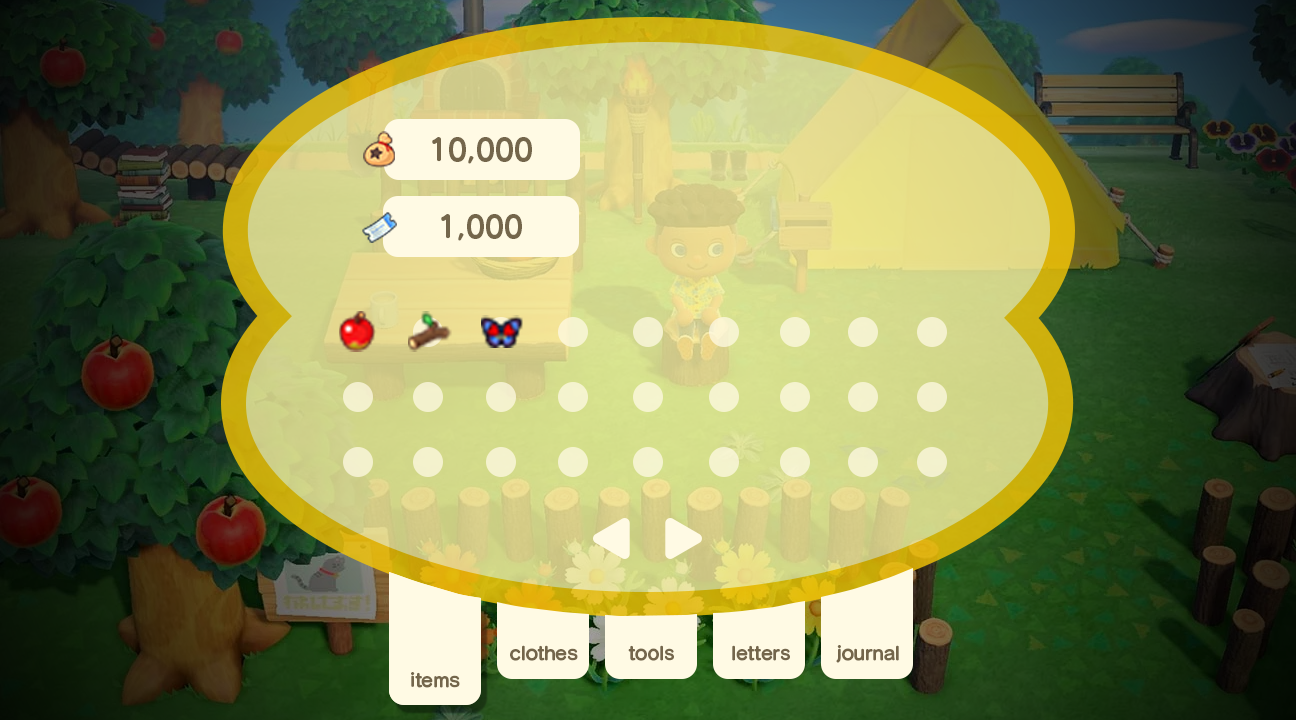
- It was exciting to try and implement my own design while staying within the art style of Animal Crossing. Taking inspiration from all of the previous games in the series was fun to do.
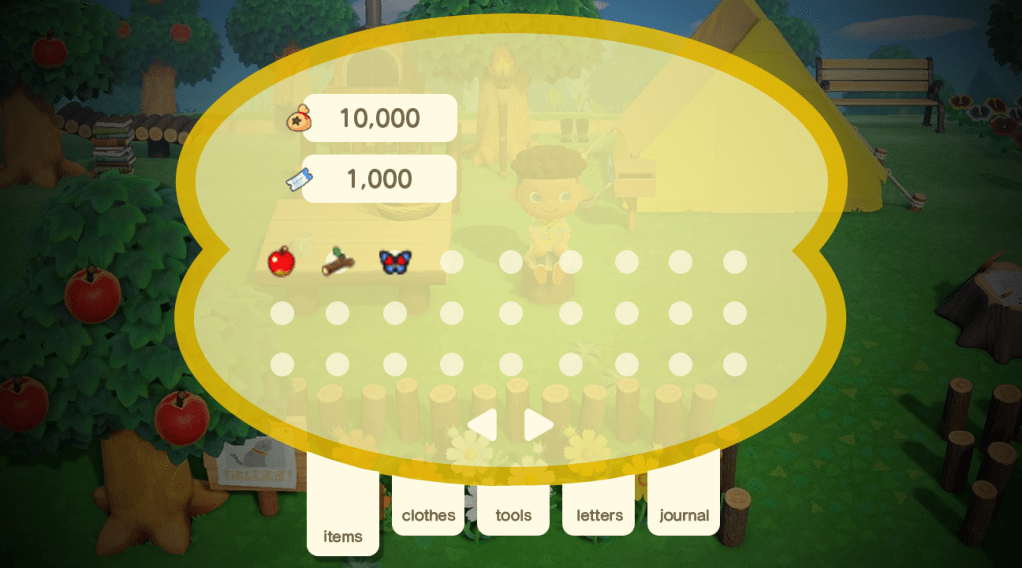
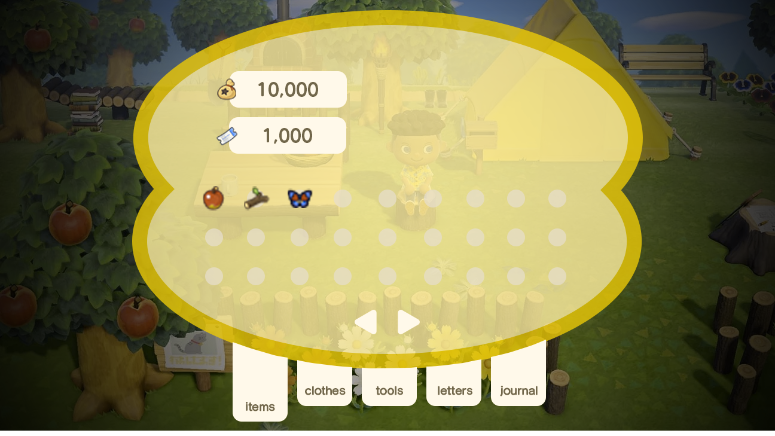
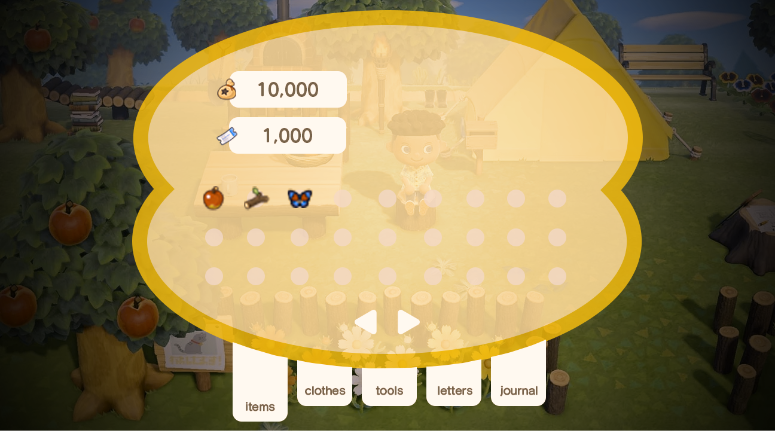
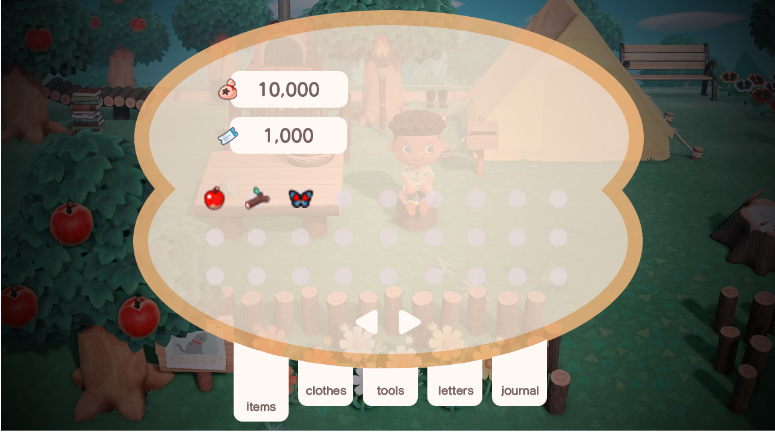
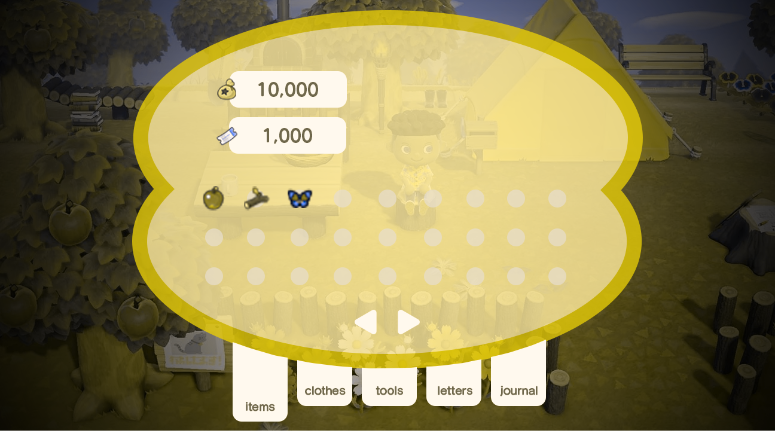
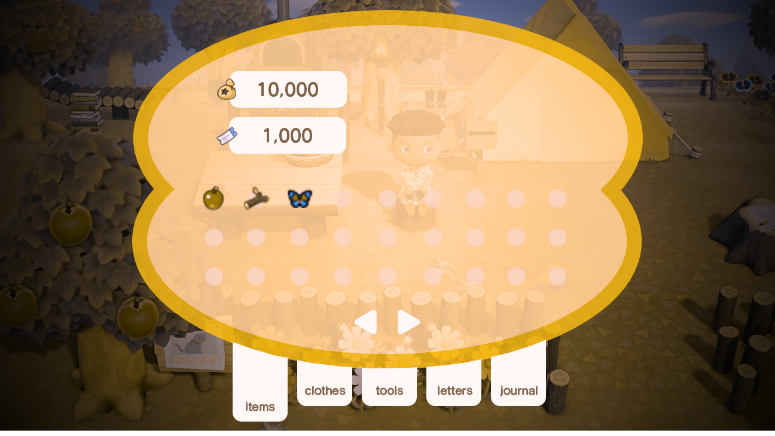
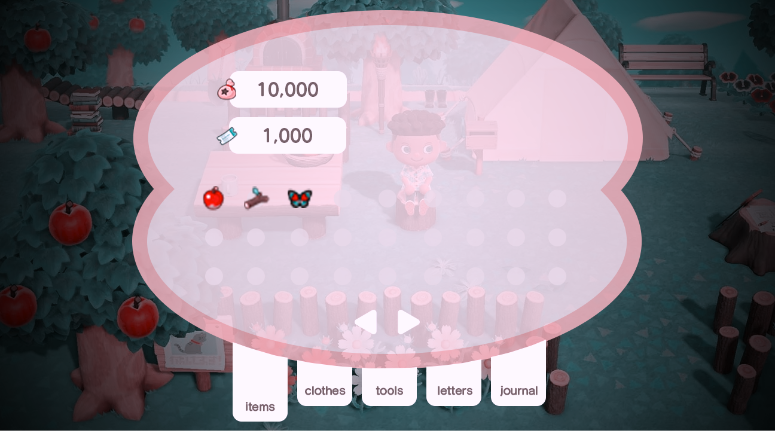
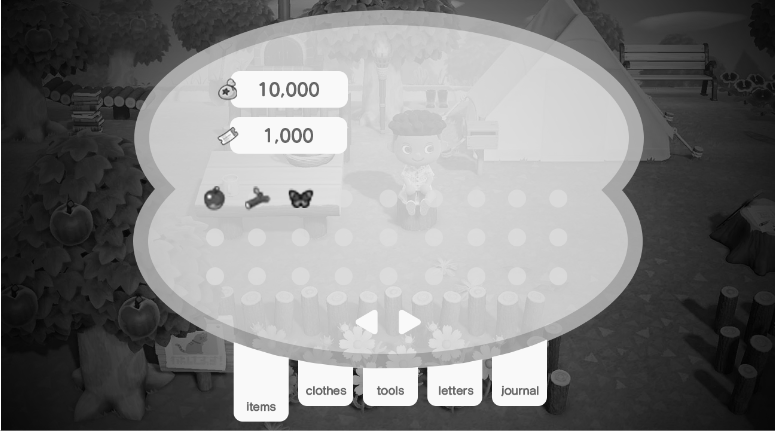
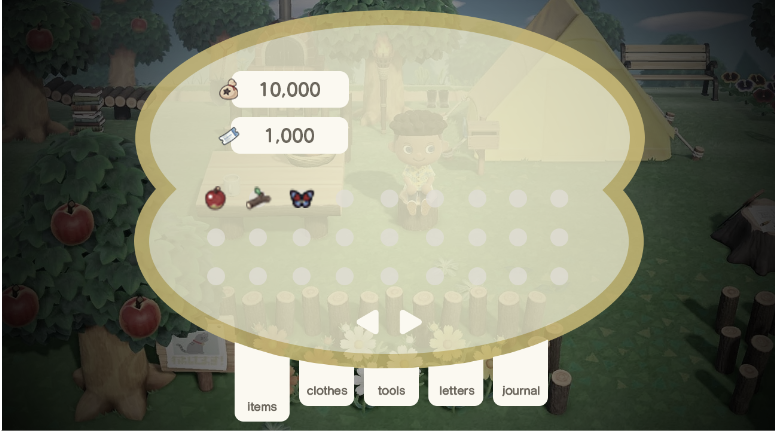
- The color blindness simulations were very helpful in terms of accessibility. I didn’t realize my inventory screen design was so low contrast and how that could negatively impact the experience for certain players.
- Overall I am very happy with the outcome of my mockups and I hope to continue using these skills in the future.
 3D Rigging & Look Development